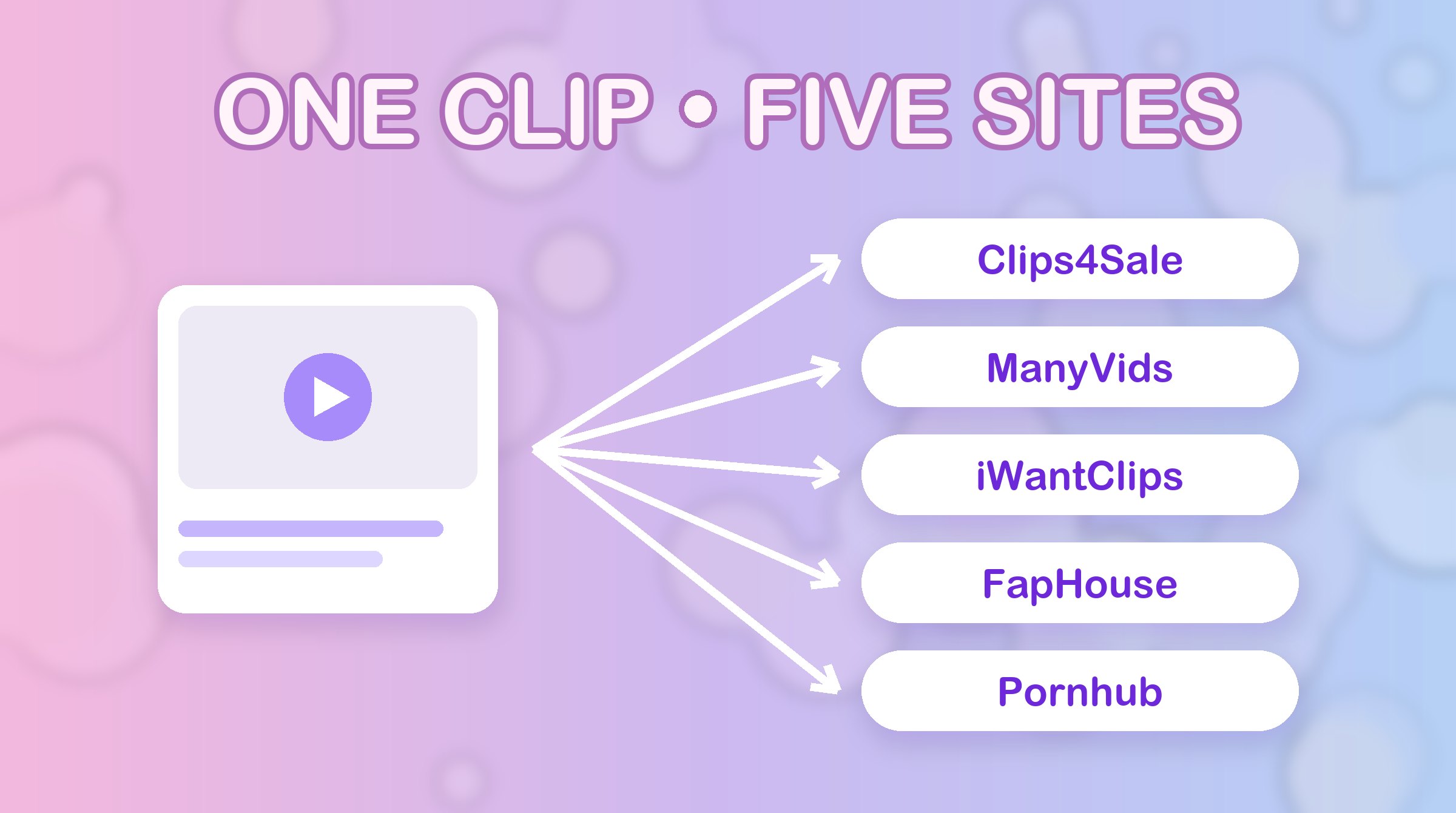
Selling the same clip on Clips4Sale, ManyVids, iWantClips, FapHouse and Pornhub means filling in five upload forms that all ask for nearly the same things in slightly different ways. This guide shows how I organise that by hand, where the sites really differ, and which tools can take over the repetitive part. You can do everything here with a folder and a spreadsheet. The tools come last on purpose.
Why Sell One Clip on Several Sites
Each clip site has its own buyers. Someone who has bought on Clips4Sale for ten years is not going to open a ManyVids account because you asked nicely, and the same is true the other way round. A clip that sits on one store reaches one group of buyers. The same clip on five stores reaches five, and you only filmed and edited it once.
None of this is new. What stops most creators is the upload work. Every site wants a title, a description, keywords or tags, categories, a price, a thumbnail and a preview, and every site has its own form, its own limits and its own category list. After the third form you start cutting corners: a shorter description here, two tags instead of fifteen there, a clip that never makes it to the fourth site at all. Six months later nobody knows which clip is live where.
So the real question is how to get the same clip onto several sites without the quality of each listing dropping. There are two honest answers: a tidy manual system, or a tool that fills the forms for you. Most people should start with the first, because a tool can only speed up a system that already exists.
One check before you start: read each site's terms for anything about exclusive content. If you have agreed to an exclusive programme or an exclusive custom somewhere, that clip stays where it is.
What Differs From Site to Site
The fields are similar everywhere. The limits are different on every site, and that's where the mistakes happen. Below is what I could confirm in each site's own help pages in November 2026. Where a site doesn't publish a limit in its help centre, I've left the cell open on purpose. Copy the current numbers from the upload form into your own sheet once and keep them there.
| Site | What its own help pages say | What to note in your sheet |
|---|---|---|
| Clips4Sale | Upload from your device or import from Dropbox, OneDrive or Box. Up to 50 GB per file. One primary category plus up to 5 related categories, up to 15 keywords. Thumbnail JPG or PNG in 16:9, up to 5 MB. Preview MP4 in 16:9, up to 60 seconds and 100 MB, or an automatic 25 second preview. Minimum price $3.99, prices round up to .99. Scheduling up to 365 days ahead, in Eastern Time. | Your 6 categories and 15 keywords per clip, and the release time converted to Eastern Time. |
| iWantClips | Clip formats MP4, M4V, MOV, WMV and AVI, up to 3 GB per clip. Several files can be sent in one go over SFTP, and they stay on the SFTP host for 90 days. | Whether your export is under 3 GB. If it isn't, you need a second, smaller export. |
| ManyVids | Title, description, tags and price are added per vid. Check the upload form and the MV help centre for the current size and tag limits. | Tag count, title length, teaser rules. |
| FapHouse | Uploads run through your studio account. Check the studio dashboard for current file and metadata limits. | Category and tag list, whether the clip is for subscribers or single sale. |
| Pornhub | Uploads run through the Model Program's video manager. Check the model help centre for current rules, including the rules for tagging co-performers. | Free teaser or paid video, title style, performer tagging. |
Sources for the Clips4Sale row are the Clip Upload and Bulk Clip Upload articles in the Clips4Sale creator help centre. The iWantClips row comes from its file type and size page and its SFTP guide. Limits change, so treat the table as a starting point and the sites as the authority.
The three differences that cause the most trouble
- File size. A master file that Clips4Sale accepts without complaint can be far too big for iWantClips. Decide on export settings that fit the strictest site you sell on, or plan for two exports from the start.
- Categories. Every site has its own category list with its own names. "Foot Worship" on one site may be "Foot Fetish" on the next and may not exist on a third. You cannot paste categories. You have to map them once per site.
- Time zones. Clips4Sale schedules in Eastern Time. If you plan your releases in your own time zone and forget to convert, your Friday evening release goes live at the wrong hour.
Prepare Once: The Clip Folder and the Metadata Sheet
Everything gets easier when the work for a clip is finished before you open the first upload form. That means one folder and one row in a sheet per clip.
The folder
One folder per clip, named with the date and a short title, for example 2026-11-12_red-nylons-pov. Inside it:
- the master video in the format and size all your sites accept
- a smaller export if one site needs it
- the thumbnail in 16:9, as JPG or PNG
- the preview or teaser, cut to the shortest length any of your sites allows, plus longer versions where a site lets you use them
- a text file with the finished copy, so the folder is complete even without the sheet
The sheet
One row per clip. The columns are the fields the sites ask for, plus one status column per site. This is the template I'd start with:
Clip ID / folder name
Length (min:sec)
Master title (plain, no site styling)
Short description (2 to 3 sentences)
Long description (3 to 4 paragraphs)
Keywords, most important first (at least 15)
Price (your rule, e.g. base amount + amount per minute)
Release date and time (your time zone)

C4S: title | category | 5 related categories | 15 keywords | release in ET | status
ManyVids: title | tags | category | price | status
iWantClips: title | category | keywords | file under 3 GB? | status
FapHouse: title | categories/tags | status
Pornhub: title | categories/tags | free or paid | status

Status values: prepared / uploaded / scheduled / live / needs fix
Write the master title and the long description once, with care. Then adapt them per site: the full version where a site gives you room, a tighter version where it doesn't. How to write those texts, and how to map categories site by site, is covered in the guide to clip keywords and metadata.
The Manual Workflow, Step by Step
Exports done, thumbnail done, teaser done, all texts written, all categories picked for every site. Nothing gets written inside an upload form. Forms are for pasting.
Open each site and start the file upload before you fill in anything. Video files take the longest, and they can upload in the background while you paste text. On Clips4Sale you can drop several clips into the Creator Workspace at once and each becomes a draft. On iWantClips you can push several files over SFTP and pick them later with "Choose FTP File" when you create the listing.
Pick an order of sites and never change it. Within each form, go top to bottom: title, description, categories, keywords or tags, price, thumbnail, preview, release time. A fixed order is what keeps you from forgetting the price on site four.
Where a site offers scheduling, use it. It lets you prepare a week of releases in one sitting and still have clips go live one at a time, which is what the "new clips" sections reward. Convert the time for every site that doesn't use your time zone.
As soon as a site shows the clip as scheduled or in review, mark it in the sheet. Do it now, per site. "I'll update it at the end" is how catalogues drift apart.
Clips4Sale and iWantClips both send new listings through a review before they go live, and a clip can come back with a request to fix something. Set one fixed time a week to open each site's content list, compare it with your sheet and clear anything marked "needs fix".
Checklists You Can Copy
Before you upload anything
- Master file plays from start to end and has sound.
- File size fits the strictest site on your list.
- Thumbnail is 16:9 and shows what the clip is about.
- Teaser is short enough for every site and gives nothing important away.
- Performer documents are ready for every person in the clip, on every site that asks for them.
- Title, descriptions and keywords are final. No placeholder text.
- Categories are picked from each site's own list.
- You are logged in on every site before you start, so no session expires halfway through.
For each site
- Right file attached (the smaller export where needed).
- Title fits the length the form allows and isn't cut off in the middle of a word.
- All category and keyword slots are used.
- Price is the one from your sheet, and above the site's minimum.
- Release date and time are correct in the site's time zone.
- Preview and thumbnail are the ones from the folder and not an automatic frame you haven't looked at.
After the upload
- Status column updated for every site.
- The public listing checked once it is live: title, price, preview.
- Promotion planned for the release day. The Reddit guide and the X guide cover that part.
Tools That Fill the Forms for You
Once the manual system works, the repetitive part is obvious: you are typing the same information into five forms. That's the part software can take over. Here is what exists, starting with what the sites offer themselves.
What the sites offer themselves
Clips4Sale's Creator Workspace has a bulk upload that turns several files into drafts, and its content list has "Use as Template" and "Copy Details" and "Paste Details" actions that carry the details of one clip over to another. iWantClips has SFTP for sending several files at once. These features save time inside one site. They don't carry anything across to the next site. The article on Clips4Sale bulk upload options goes through them in detail.
Clipdesk
Clipdesk describes itself as a dashboard plus browser extension. According to its website, you select a clip, thumbnail and preview once, choose the target sites and enter the listing details, and the extension opens each supported upload flow and fills the repeated fields. The site lists Clips4Sale, ManyVids and iWantClips, says more sites are coming, says the flow stops for your review before the final upload, and says it doesn't ask for your login details. At the time of writing it offers free early access by email signup. Its website doesn't mention writing titles or keywords for you. I haven't used it, so that is their description and not a test result.
Reponara
Reponara is a desktop app for Mac and Windows for independent creators. Its upload part takes one clip to Clips4Sale, ManyVids, FapHouse, Pornhub and iWantClips in one pass. It checks files, tags and logins first, then fills in every site's upload form: title, description, keywords or tags, categories, price, and release date and time. It handles batches of clips, release times can be scheduled per site, and you make the final publish click yourself. A library shows every clip with its per-site upload status, which replaces the status columns in the sheet above.
It is not on sale yet. Reponara is launching soon, and you can join the waitlist at reponara.com. Pricing isn't final. The plan is a flat monthly price with no revenue share, and the plans will be on reponara.com.
Older projects
If you search for this topic you will also find mentions of older projects such as ClipNuke. When I checked in November 2026 I couldn't load its code repositories or its website, so I'm not describing it here.
Risks and What to Look for in an Uploader
An uploader works inside your seller accounts, so choose it as carefully as you'd choose a person you give access to.
- You stay responsible. You are the one who has the contract with each site. Whatever a tool uploads in your name is your upload.
- No tool can promise safety. No uploader can guarantee that a platform will never restrict an account. Be wary of any that says it can.
- Who clicks publish? Prefer tools where nothing goes live without your own click. A wrong price on five sites at once is five times the clean-up.
- Where are your logins? Ask where passwords and sessions are stored: on your own computer, or on someone else's server.
- Does it respect each site's limits? Good tools know that a site allows 15 keywords or 5 related categories and tell you before the upload, not after.
- Can you leave? Your texts, prices and status should be exportable, or at least readable, without the tool.
If a tool passes those checks and your manual system already works, it will save you real typing. If your system doesn't work yet, fix that first. For a wider view of what exists, including editing and tracking tools, see the overview of tools for clip sellers. And if you're new to clip sites in general, start with the Clips4Sale and ManyVids selling guide.
Frequently Asked Questions
Can I upload to Clips4Sale and ManyVids at once?
Not from inside either site. Clips4Sale and ManyVids each have their own upload form and neither sends clips to the other. You can prepare everything once and fill both forms back to back, or use a third-party tool that fills both forms from one set of details. Clipdesk and Reponara both describe that approach. Reponara is made by the same team as this site and is launching soon.
How do I upload to multiple platforms at one time without mistakes?
Finish all files and texts before opening the first form, keep one sheet row per clip with a status column per site, start the file uploads first, fill the forms in a fixed order and update the status immediately. Most mistakes come from writing inside the forms and from wrong time zones in scheduled releases.
Is there an iWantClips uploader for several files?
iWantClips itself offers SFTP, which its help centre describes as a way to upload multiple files at once. Files stay on the SFTP host for 90 days and you pick them with the Choose FTP File link when you create a listing. Each listing still needs its own details. Third-party tools such as Clipdesk and Reponara list iWantClips among the sites they fill forms for.
Is there a FapHouse upload tool?
FapHouse uploads normally go through your studio account by hand. Of the tools covered here, Reponara lists FapHouse among its upload targets, together with Clips4Sale, ManyVids, Pornhub and iWantClips. Reponara is made by the same team as this site and is not on sale yet. You can join the waitlist at reponara.com.
Is it allowed to sell the same clip on several sites?
In general yes, as long as you haven't agreed to exclusivity for that clip. Read each site's terms, and keep clips from exclusive programmes or exclusive customs off the other stores.
Do I need different video files for each site?
Often one master file is enough, but size limits differ. Clips4Sale's help centre gives 50 GB per file, while iWantClips gives 3 GB per clip. Export to fit the strictest site you use, or keep a second, smaller export for it.